
Manual Activation Procedure
If you are unable to activate Quartz PCI or renew your existing subscription over the internet, manual activation offers an alternative.
Start Quartz PCI.
If Quartz PCI is not activated or if your current subscription has expired, the product activation window will appear automatically. If you are renewing a subscription before its expiry date, you can bring up this window manually by selecting the Help | Product Activation command.
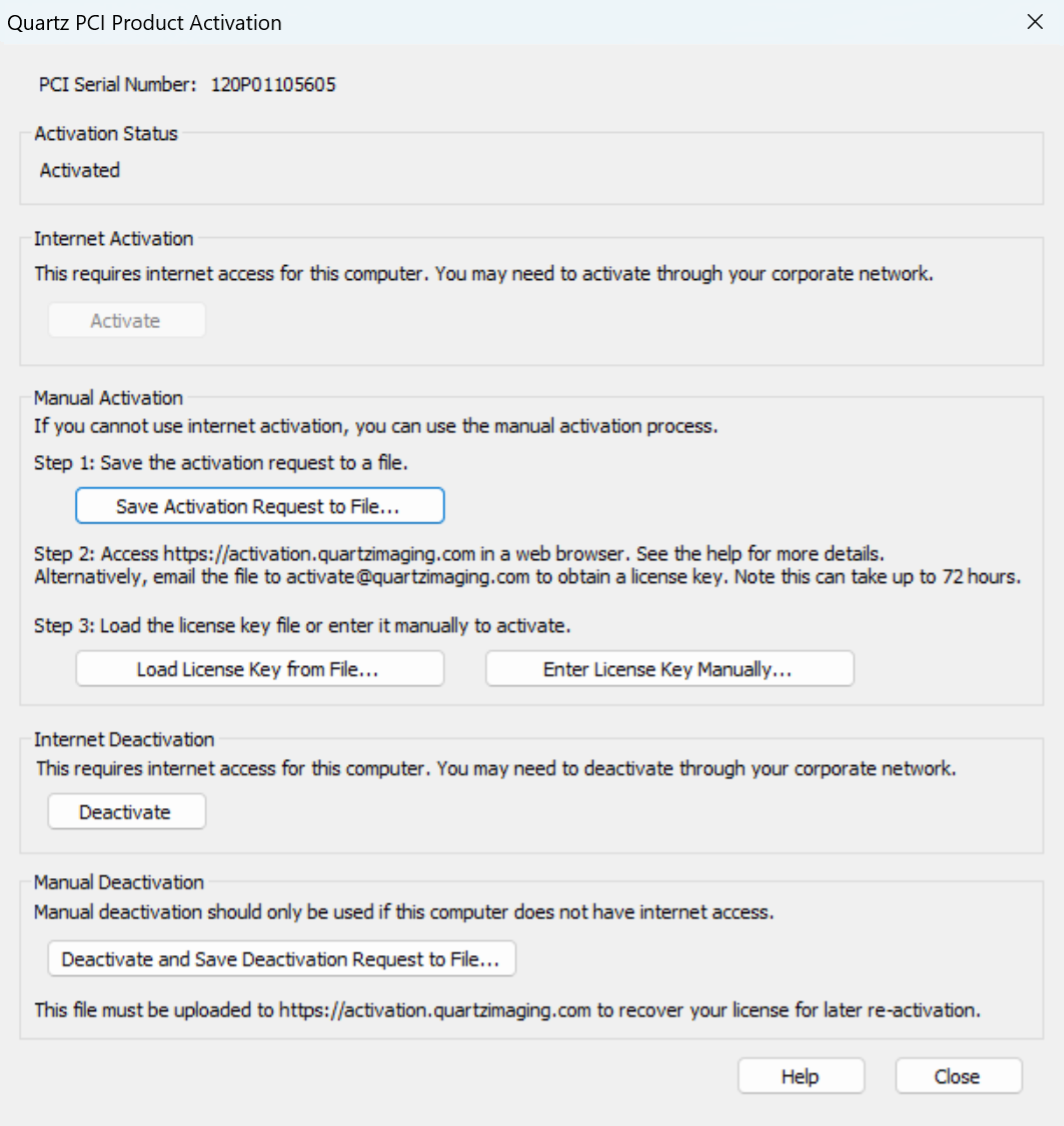
Click “Save Activation Request to File…” and save the “QuartzActivationRequest.csv” file.
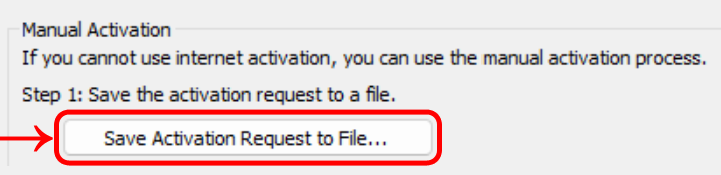
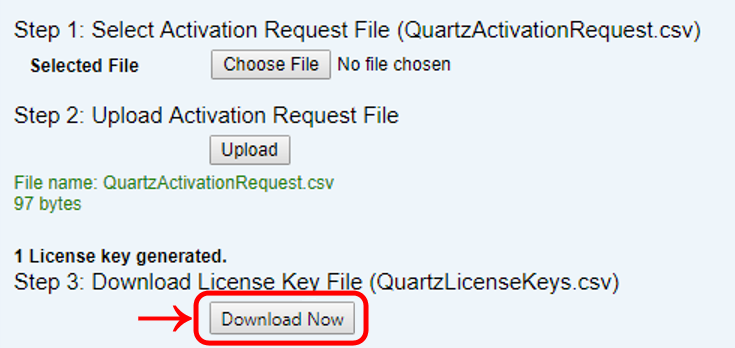
Access the web site https://activation.quartzimaging.com/ in a web browser.
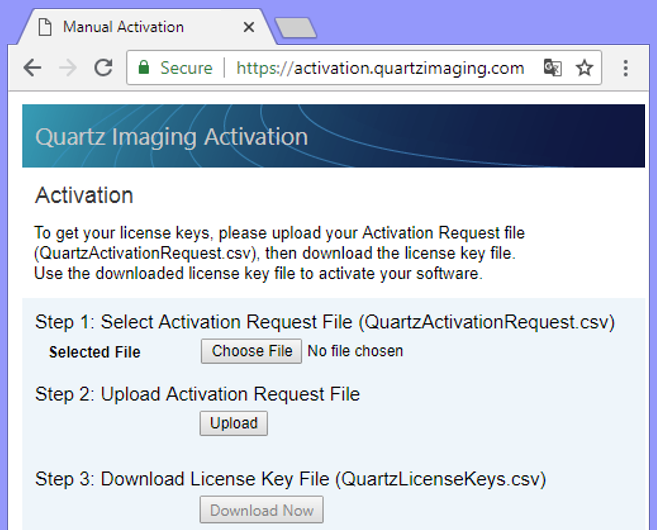
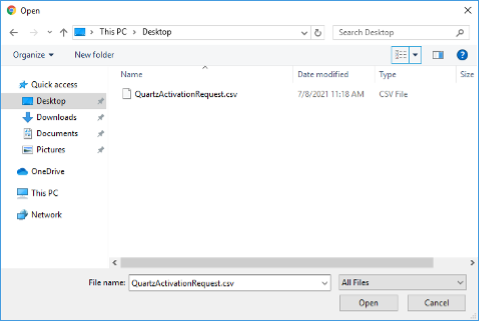
Upload the “QuartzActivationRequest.csv” file saved previously, by clicking the “Choose File” button, selecting the file and clicking “Open”. (You may need to transfer the “QuartzActivationRequest.csv” file to a computer that has internet access.)
Then click the “Upload” button.

Once the “QuartzActivationRequest.csv” file is uploaded, a license key file is automatically generated.You can retrieve the license key file “QuartzLicenseKeys.csv” by clicking the “Download Now” button.
Transfer the “QuartzLicenseKeys.csv” file back to the computer where you are activating Quartz PCI, if it is not the same computer. In the Quartz PCI Activation window, click “Load License Key from File…” and select the downloaded “QuartzLicenseKeys.csv” file.
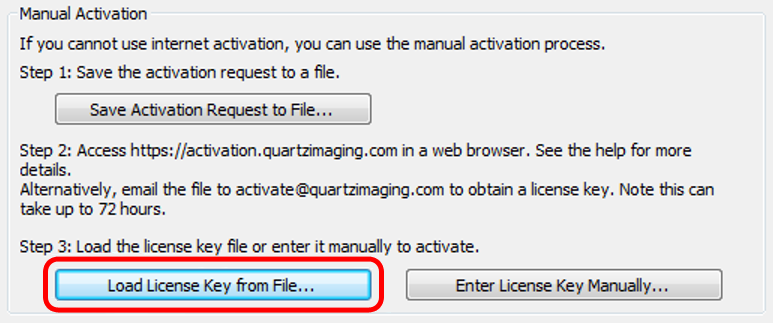
Quartz PCI should activate successfully. If the “No License Key found” error is shown, see below.
No License Key Found Message
-
When the error message “No License Key found” is shown when using the manual activation process, there are a few possible causes.
-
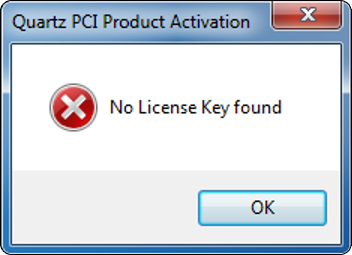
- The “QuartzActivationRequest.csv” file was selected, rather than the expected “QuartzLicenseKeys.csv” file.
- The license key in “QuartzLicenseKeys.csv” is intended for a different computer than the one being activated. Each license key is unique to each computer and cannot be shared among computers. Generate a “QuartzActivationRequest.csv” file on the computer being activated and follow the Manual Activation Procedure above.
- We have seen rare instances where the license key file could be downloaded from the internet on an internet enabled workstation, but when the file was transferred to another computer, it was automatically encrypted. (This was done by software installed by the customer IT.) In this case, confirm that the file is a normal text file when opened on the computer being activated, and is not in an encrypted format.